 AreaMap
Land area measure
Measure any land
in seconds
Tap the corners of a field, yard or lot on a crisp satellite map, or walk the boundary with GPS. AreaMap gives you the area and perimeter instantly.
Download on the App Store- Acres or hectares
- Works worldwide
- No account needed
How it works
From address to acreage in three taps
Find the place
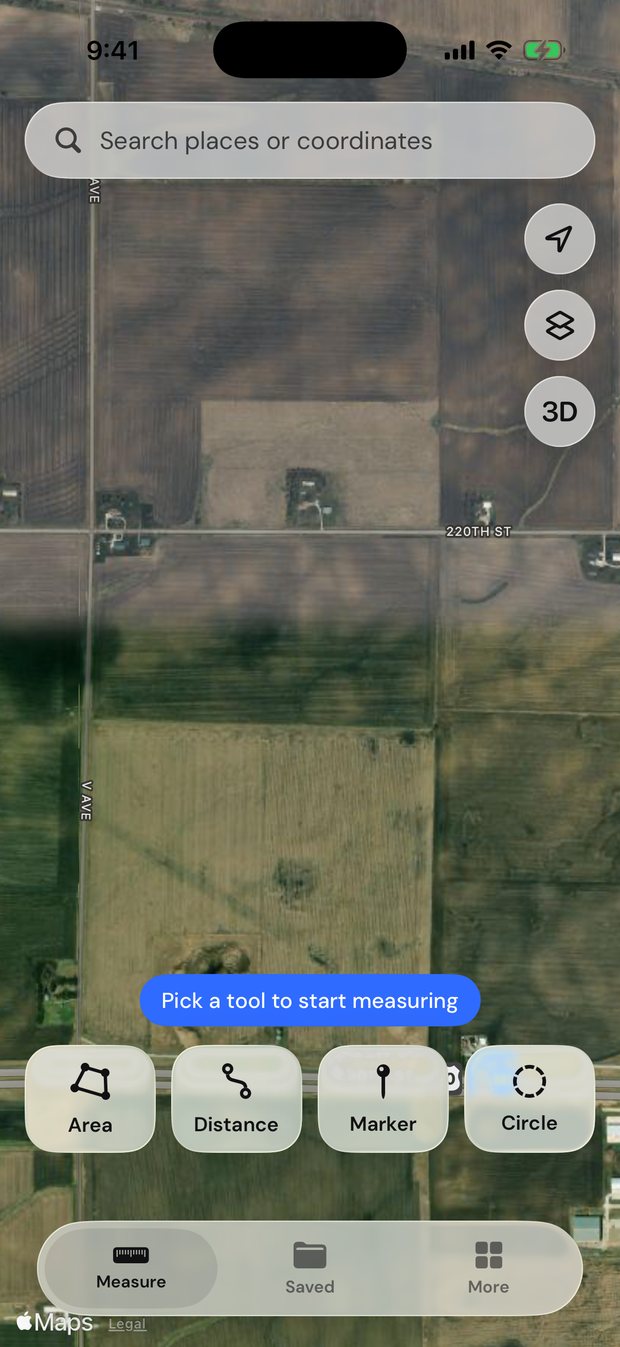
Search an address, a place name or coordinates, or start where you’re standing.
Mark the boundary
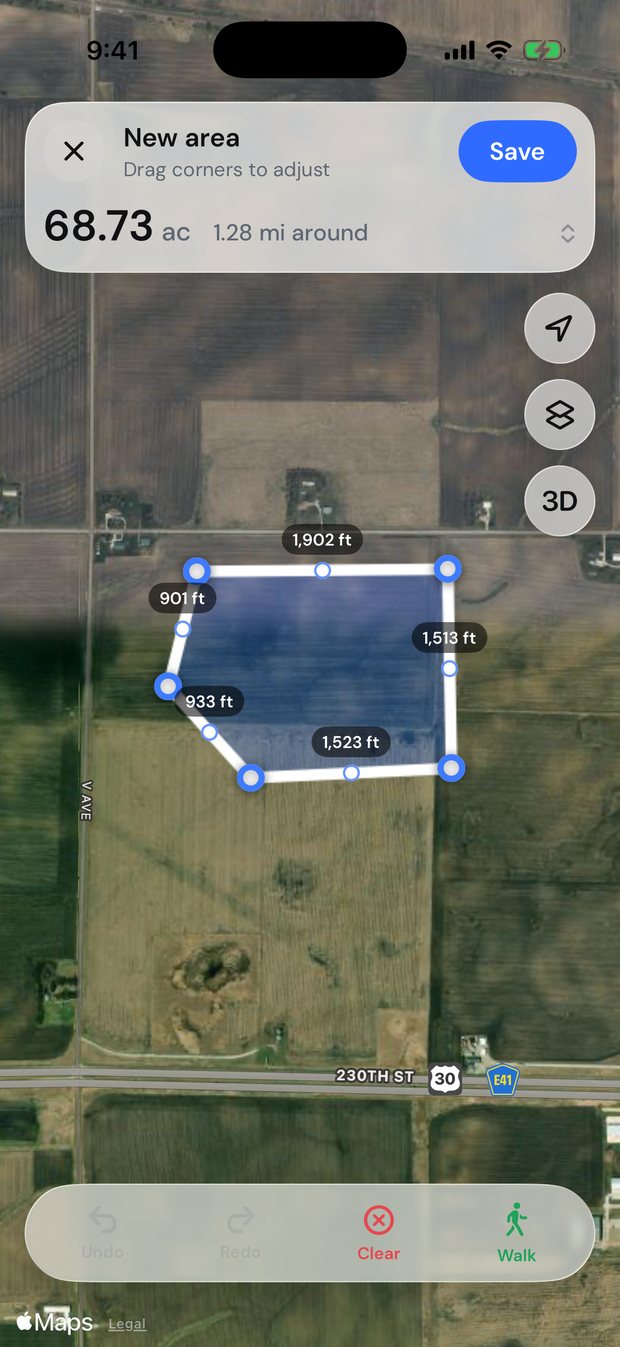
Tap each corner on the satellite map, or walk the edge and let GPS trace it.
Get the numbers
Area, perimeter and every side length appear instantly. Save it, share it or export it.
Measure
Areas, distances and more
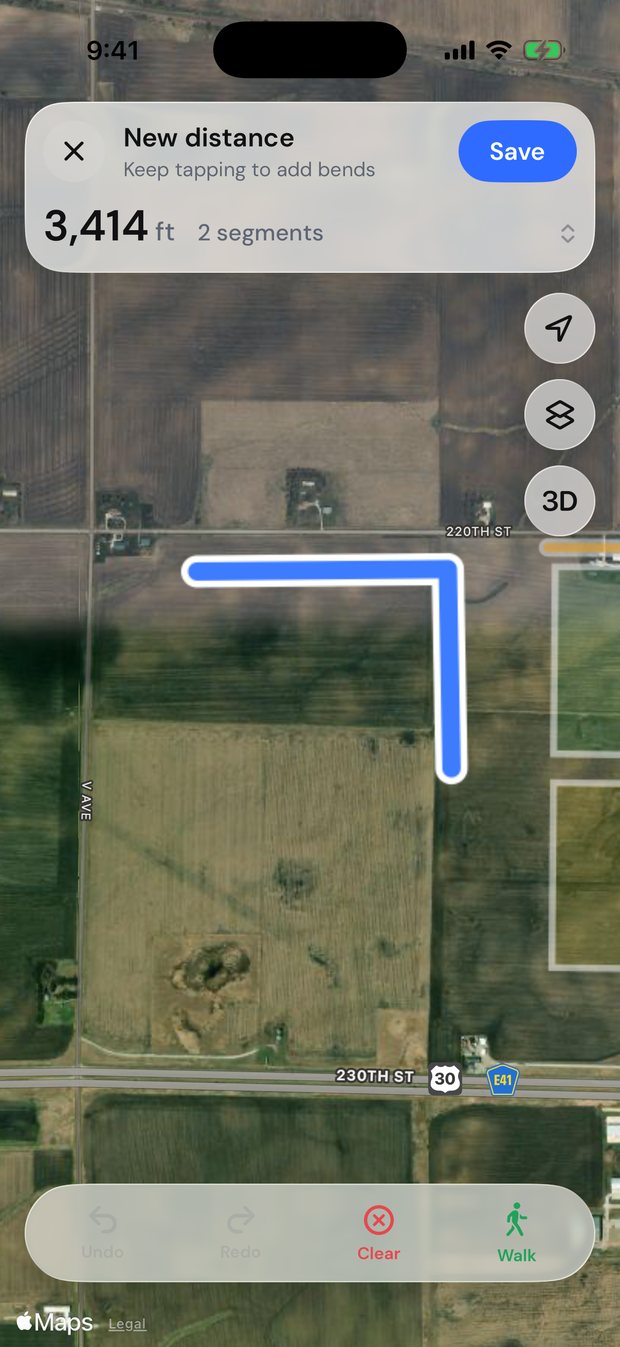
Drop a point on each corner and the shape closes itself, or trace a fence line from end to end. Drag any point to fine-tune, and the numbers update as you move.
- Four tools. Areas, distances, circles and markers.
- Walk the boundary. GPS records your path as you walk the edge, even with the screen locked.
- Undo anything. Every move can be undone and redone.
Explore
See it before you go
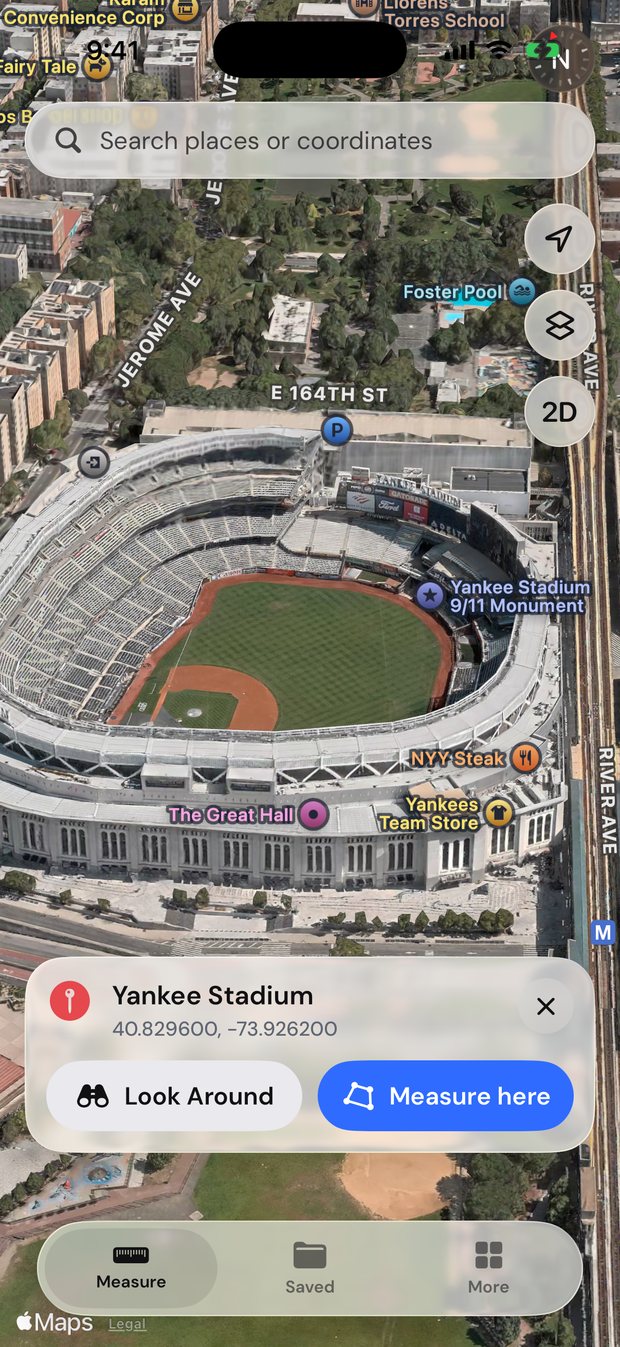
Look up any address and explore it on a 3D satellite map. Where Apple has street-level imagery, step down into Look Around.
- Search anything. Addresses, landmarks or raw coordinates like 41.88, −87.63.
- 3D terrain and buildings. Tilt the map to see the lay of the land.
- Measure right there. One tap to start outlining the place you found.
Keep
Save, report and estimate
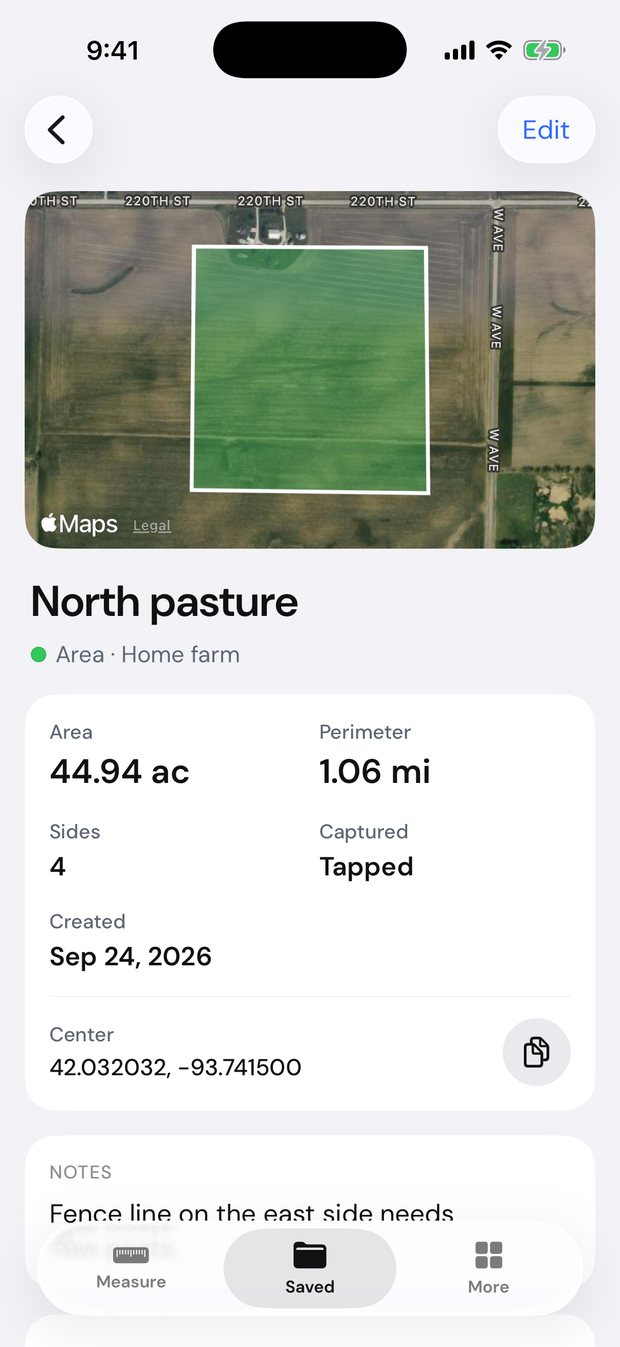
Name your fields, group them by farm or job, add notes and photos, and share a clean PDF report in seconds.
- Exports that work anywhere. PDF, KML, GPX, GeoJSON, CSV and images.
- Material estimates. Fence posts and rails, sod, seed, mulch, gravel and concrete.
- Photos on the spot. Snap the gate or the fence line and keep it with the field.
Who it’s for
Built for anyone who works the land
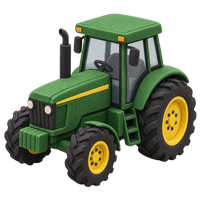
Farm & fields
Plan seed, spray and fencing by the acre.

Yard & garden
Size up sod, mulch and a new fence before you buy.
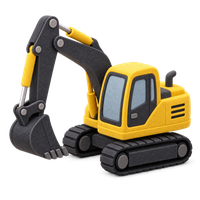
Construction & property
Rough out lots, slabs and site plans in minutes.
Hunting land
Map your ground, food plots and stand locations.
Real estate
Check a listing’s acreage before the showing.
Anything else
Ponds, parking lots, trails, pastures, you name it.
The details
Small touches that make it trustworthy
Your units
Acres and feet, or hectares and meters. AreaMap picks the clearest unit for each size.
Accurate math
Areas are calculated on the real shape of the Earth, not a flat map.
Private by design
No account. Your measurements and photos are stored on your iPhone.
Yours to take
Open your fields in Google Earth, GIS tools or a spreadsheet.
Pricing
Everything included, one subscription
Unlimited measurements, walk mode, reports, exports and estimates. Cancel anytime.
Billed yearly. Or $19.99 a month. Cancel anytime in your Apple ID settings.
Price in USD. Your local price is shown in the app before you subscribe.
Get AreaMap ProQuestions
Good to know
How accurate is it?
Tapping corners on satellite imagery is usually accurate to within a few feet, depending on the imagery and how closely you place the points. Walking a boundary depends on your iPhone’s GPS, which is typically accurate to a few meters under open sky. AreaMap is great for planning and estimating, but it isn’t a legal survey.
Does it work outside the US?
Yes. The satellite map covers the whole world, and you can switch between acres and hectares anytime.
Do I need an account?
No. There’s nothing to sign up for. Your measurements are stored on your iPhone.
Can I open my fields in other apps?
Yes. Export a PDF report, or KML, GPX, GeoJSON and CSV files that open in Google Earth, GIS software and spreadsheets.
How do I cancel?
Go to Settings › [your name] › Subscriptions › AreaMap on your iPhone. Cancel at least 24 hours before it renews and you won’t be charged again.
Measure your first field today
Satellite maps, walk mode and reports on iPhone.